Booting
Execution
- A CPU loads the next instruction from memory
- This instruction is executed
- This process repeats
Where does the first instruction come from?
Volatility
- Most operating systems are stored in non-volatile memory
- CPUs in most computers execute instructions from volatile memory
- A set of operations is needed to move the operating system to a location that is executable
First-stage boot loader
- Most modern systems include multiple stages of booting
- The first step typically involves loading and executing firmware from a dedicated storage device
- Examples include BIOS and UEFI
Second-stage boot loader
- The initial boot loader is usually tightly coupled to the device
- It is basic and has limited size
- It is used to load a more complete bootloader that loads the full OS
- Examples include GRUB, Syslinux, NTLDR, and BOOTMGR
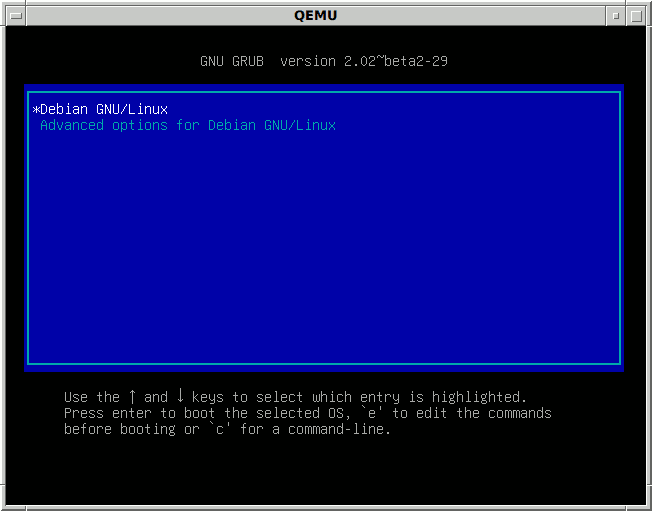
GRUB
- Popular boot loader used with Linux systems
- Supports multiple operating systems
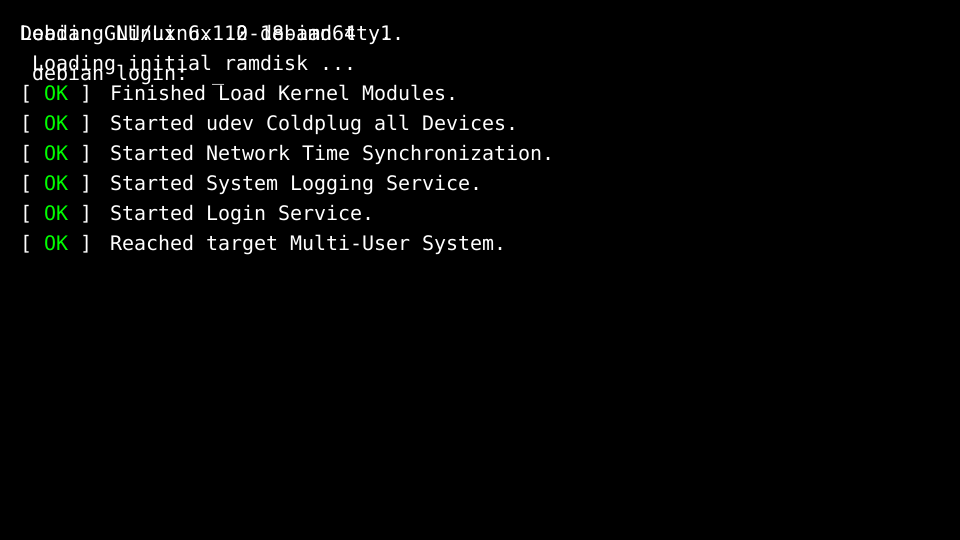
Kernel Initialization
- Bootloader transfers control to the kernel
- Kernel initializes memory and hardware
- Kernel mounts the root filesystem
- Kernel starts the first process
Uptime
Processes
- Running instances of programs
- Identified by a Process identifier
top
top can be used to show an interactive list of running
processes
Process Tree
PID 0
- PID 0 is not a regular process
- Created during kernel initialization
- Manages power when the CPU is not busy
PID 1
- PID 1 is the first user space process
- Commonly init or systemd
- Serves as the parent of all other processes
- Handles system shutdown and service management
Process Status
Kernel Log
- The kernel ring buffer contains messages from the kernel
- Useful for diagnosing hardware and boot issues
- Accessible via the filesystem at /dev/kmsg (requires root) or
dmesg